Wix to Webflow
Thinking about switching from Wix to Webflow? Let's do it together.
What is Wix?
Wix is a website builder with simple drag-and-drop editing tools that let users easily create their first website. With many templates and built-in features, it is a convenient choice for people with little to no development experience. When it comes to deeper customization and better performance, Wix falls short of Webflow, as it limits scalability.

Where Wix falls short
Limited scalability
Wix struggles with complex websites, and advanced structure and dynamic content become restrictive as the site grows.
Performance issues
Poor loading speed due to heavy templates, slow rendering and bloated code, which hurts SEO.
Lack of customization
Wix provides only minimal control over code, hosting and technical optimization, limiting customization.
What is Webflow?
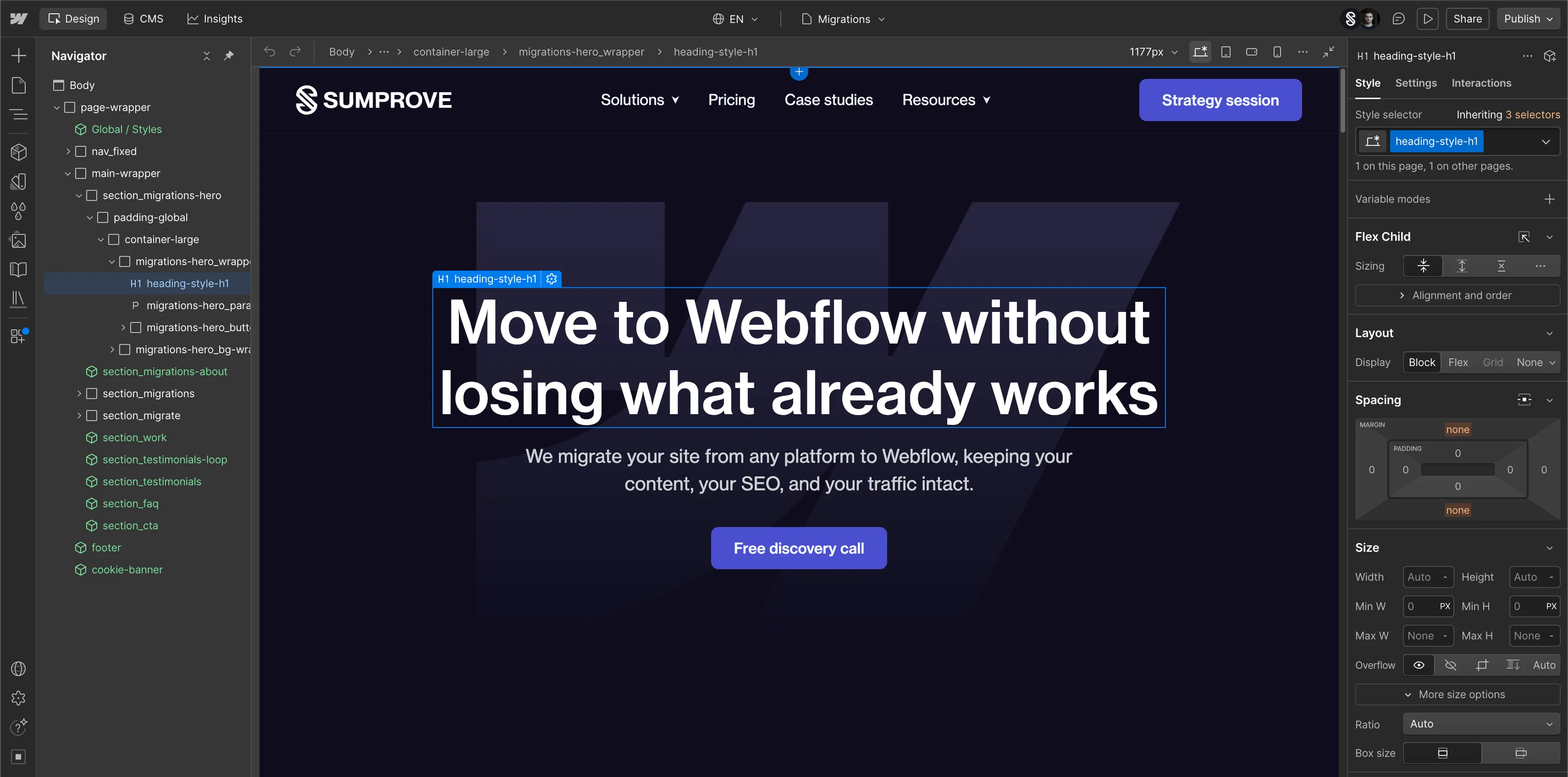
Webflow is a visual web platform that lets you build and manage a fully custom website without writing code by hand. Its drag-and-drop canvas shows you exactly what you are building while clean code generates in the background. Because Webflow is a closed, fully managed platform, it stays secure and stable without depending on a stack of third-party plugins that quietly break over time.
Why are teams moving to Webflow?
Move for superior CMS functionality
Move for improved site performance
Move for greater design flexibility
How to migrate from Wix to Webflow?
Ready to move to a platform that won't hold you back?
Tell us about your product and deadlines, and we'll plan the rest and show you what marketing really does.